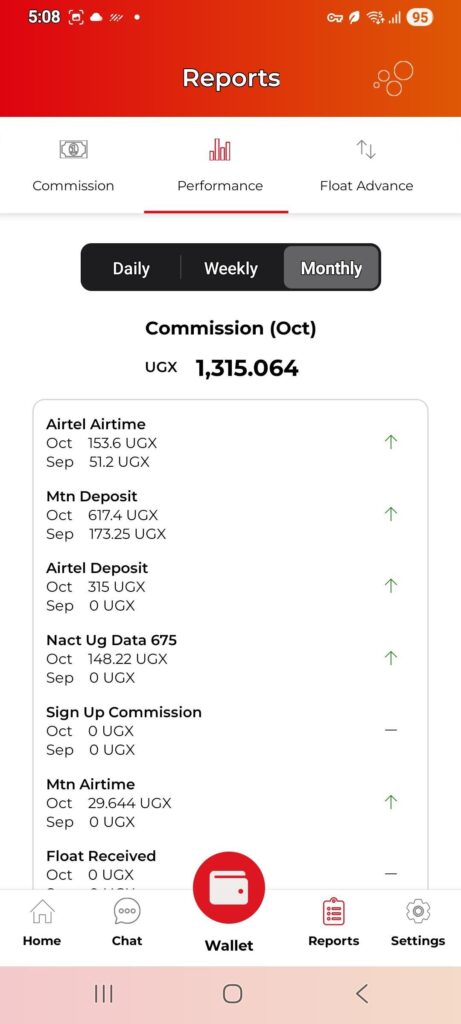
To view your performance and earnings on the ChapChap app:
-Navigate to the Reports section.
-Tap on Performance Report.
-Choose your preferred report period — Daily, Weekly, or Monthly.
You’ll be able to see how much you’ve earned for the selected period.
The monthly report appears as shown in the image below.